Battery Chargers: The Unsung Hero of Every Cordless Fleet
Every cordless tool fleet is only as good as the chargers keeping batteries ready. A failing charger that undercharges, overcharges, or damages cells quietly destroys your battery investment. Proper charger maintenance and understanding when to replace a charger can save hundreds of dollars in battery replacements annually.
How Modern Smart Chargers Work
Today’s lithium-ion chargers are sophisticated devices. They communicate with the battery’s built-in Battery Management System (BMS) to monitor individual cell voltages, temperature, and state of charge. They charge in three phases: bulk charge (fast charging to approximately 80%), absorption (slower charging from 80–95%), and float (trickle maintenance to reach 100%). This process maximizes charge rate while preventing the overcharge damage that shortens cell life. DeWALT’s FAST chargers, Milwaukee’s RAPID CHARGE system, and Makita’s Optimum Charging Technology all implement these principles with brand-specific tuning.
Signs a Charger Needs Attention
Watch for these indicators that your charger may be failing: abnormal heat during charging (chargers get warm, not hot — burning hot indicates a fault), unusual sounds (clicking, buzzing, or humming beyond normal operation), error codes or fault lights that appear with known-good batteries, batteries that charge to only 50–70% capacity and plateau, and charging times dramatically longer or shorter than normal. Any of these warrants inspection and potentially replacement.
Cleaning and Maintenance
Charger maintenance is straightforward but important. Keep contact terminals clean — oxidized terminals cause poor connection and unreliable charging. Use a pencil eraser or contact cleaner (DeoxIT D5) to clean both charger terminals and battery terminals if you notice intermittent connection issues. Keep chargers in dry locations — humidity causes terminal corrosion and can damage the internal circuit board. Don’t block the charger’s ventilation slots; chargers generate heat that must dissipate freely.
Charger and Battery Compatibility
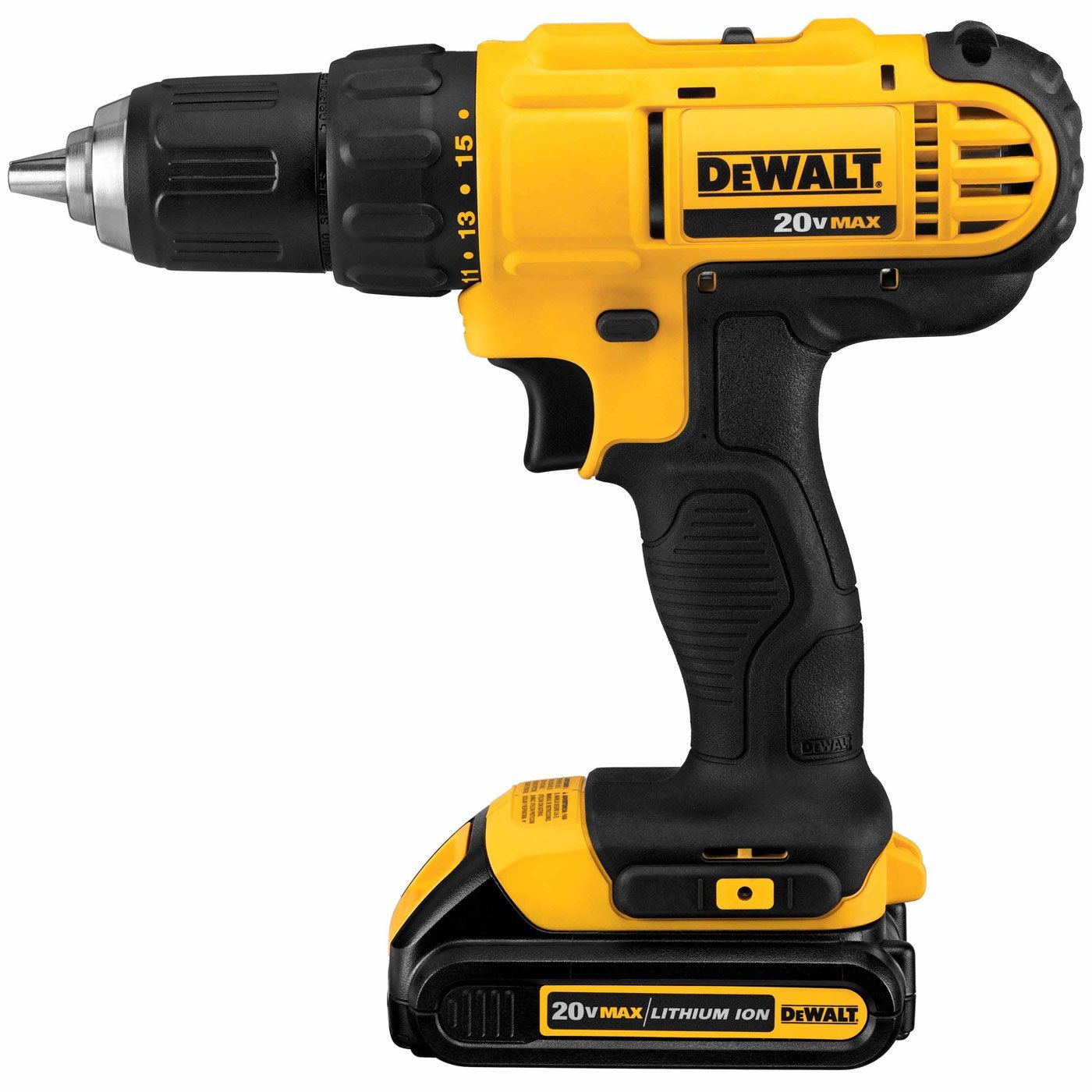
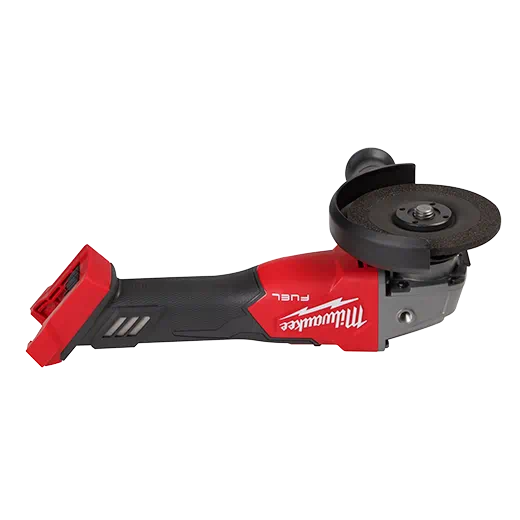
Always match charger to battery platform. DeWALT 20V MAX batteries on DeWALT chargers only. Milwaukee M18 on Milwaukee chargers. Mixing brands risks incompatibility in the communication protocol between charger and BMS — this can result in incorrect charging profiles that damage cells. The one exception: DeWALT’s FLEXVOLT chargers charge both FLEXVOLT 60V and standard 20V MAX batteries, which is by design.
Rapid Chargers vs Standard Chargers
Rapid chargers (DeWALT DCB115, Milwaukee 48-59-1850) charge a 5Ah battery in 60 minutes vs 90–120 minutes for standard chargers. For professionals cycling through multiple batteries daily, rapid chargers pay for themselves quickly in reduced downtime. The tradeoff: rapid chargers generate more heat, which over thousands of cycles has a marginal negative effect on battery longevity. For batteries that see daily use, this is negligible; for batteries used occasionally, a standard charger is the better choice.
Multi-Port Charging
For crews running 4+ batteries, gang chargers and multi-port stations (DeWALT DCB104 4-port, Milwaukee 48-59-1204 4-port) charge multiple batteries simultaneously from a single outlet. These are indispensable in site trailers and shop environments where charging efficiency directly impacts productivity. Position chargers away from direct heat sources (windows, near heating units) for best battery longevity.
Find rapid chargers, multi-port stations, and replacement chargers for all major platforms at Pro Tools Hub.