Installing a Ceiling Fan: Cool Down and Save Energy
A ceiling fan with lights replaces two fixtures in one installation and can reduce cooling costs by 15–40% by allowing thermostat setpoints to be raised 4°F without a change in comfort. Installation is a manageable DIY project that takes 1–3 hours depending on whether you’re replacing an existing fixture or working from a blank ceiling box.
Safety First: Always Kill the Power
Before touching any wiring, turn off the circuit breaker for the room — not just the wall switch. Verify power is off using a non-contact voltage tester (Klein or Fluke). Never work on live wiring. If the circuit is not clearly labeled on your breaker panel, use a circuit tracer or plug a lamp into the outlet on the same circuit to confirm which breaker controls it.
Tools and Materials
- Non-contact voltage tester
- Screwdrivers (flathead and Phillips)
- Needle-nose pliers and wire strippers
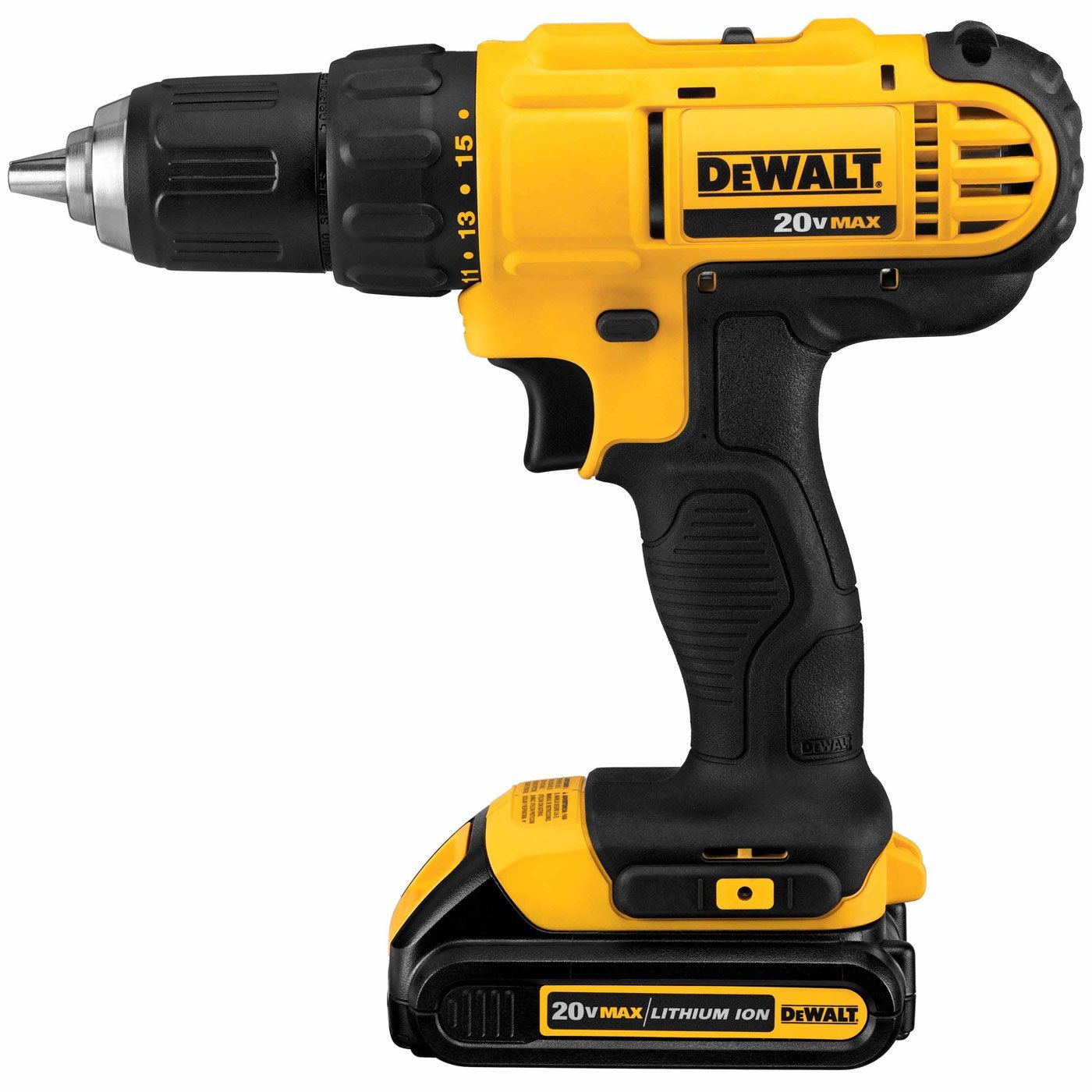
- Drill/driver
- Step ladder
- Ceiling fan-rated electrical box (if not already installed — standard light fixture boxes are NOT rated for fan weight and torque)
- Wire nuts (included with most fans)
- Ceiling fan of your choice
Step 1: Verify or Install a Fan-Rated Box
Standard octagonal electrical boxes are rated for lighting fixtures (up to 35 lbs) but not for the dynamic load of a spinning fan (50 lbs+). A fan-rated box is marked “Acceptable for Fan Support.” If your existing box isn’t fan-rated, replace it with a fan-rated brace bar kit (Westinghouse or Hubbell) that spans between joists — no ceiling damage required. This is a non-optional safety step.
Step 2: Assemble the Fan
Follow the manufacturer’s instructions to attach the mounting bracket to the electrical box, assemble the motor housing, and attach the blades to the blade arms. Most modern fans have a hook or ball-and-socket mount that lets you hang the motor temporarily while making wire connections — invaluable for solo installations.
Step 3: Make Wire Connections
Standard connections: black (fan) to black (hot), white to white (neutral), green or bare copper to bare copper or green (ground). For fans with a separate light kit: use the blue wire (light hot) connected to the black if running both fan and light from a single switch, or to a separate switch leg for independent control. Cap connections with wire nuts and tuck securely into the box.
Step 4: Secure and Test
Secure the canopy to the mounting bracket per manufacturer specs. Restore power and test all functions. Check for wobble — most fans include balancing clips; place one clip at a time on blade tips until wobble is eliminated. A perfectly balanced fan runs silently and lasts far longer than an unbalanced one.
Find drills, electrical testers, and all the hand tools you need for ceiling fan installation at Pro Tools Hub.